FamilyWise practical guide
Start small with FamilyWise
Begin with the one planning problem that creates the most household friction.
iPhone, iPad & AndroidFamilyWise Web
The short answer
FamilyWise keeps this job connected to the family plan.
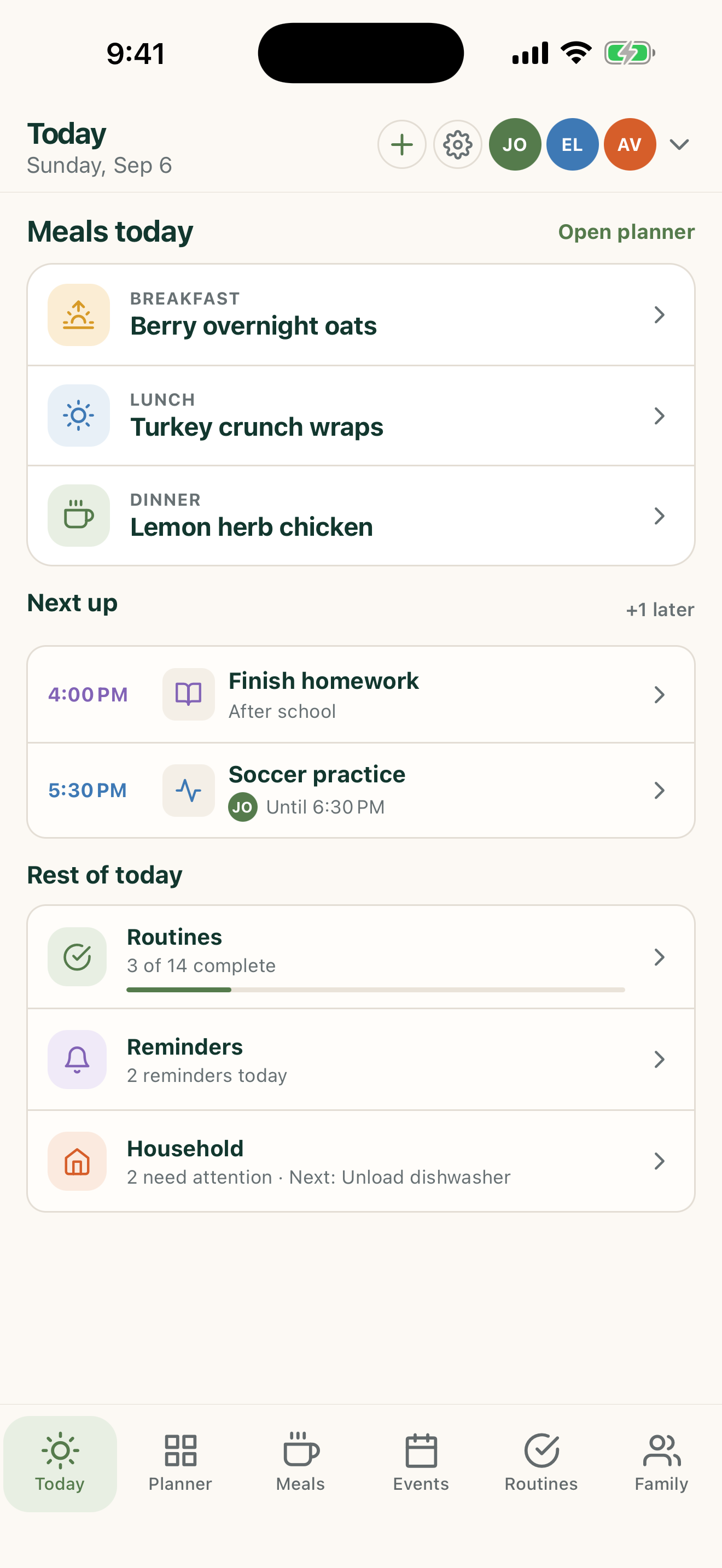
A family system that earns its place instead of demanding a giant setup project. Use the surfaces listed above, review the current Home state, and make only the changes you intend.
How to do it
A clear three-step workflow
- 1
Choose one repeated pain point.
- 2
Set up the minimum useful information.
- 3
Add other FamilyWise areas when the first one is working.
Control and privacy
What stays under your control
Do not enter unnecessary personal or sensitive information just to complete setup.
Published by 5Line Ventures LLC · Last reviewed August 31, 2026