FamilyWise practical guide
Coordinate two adults without duplicate work
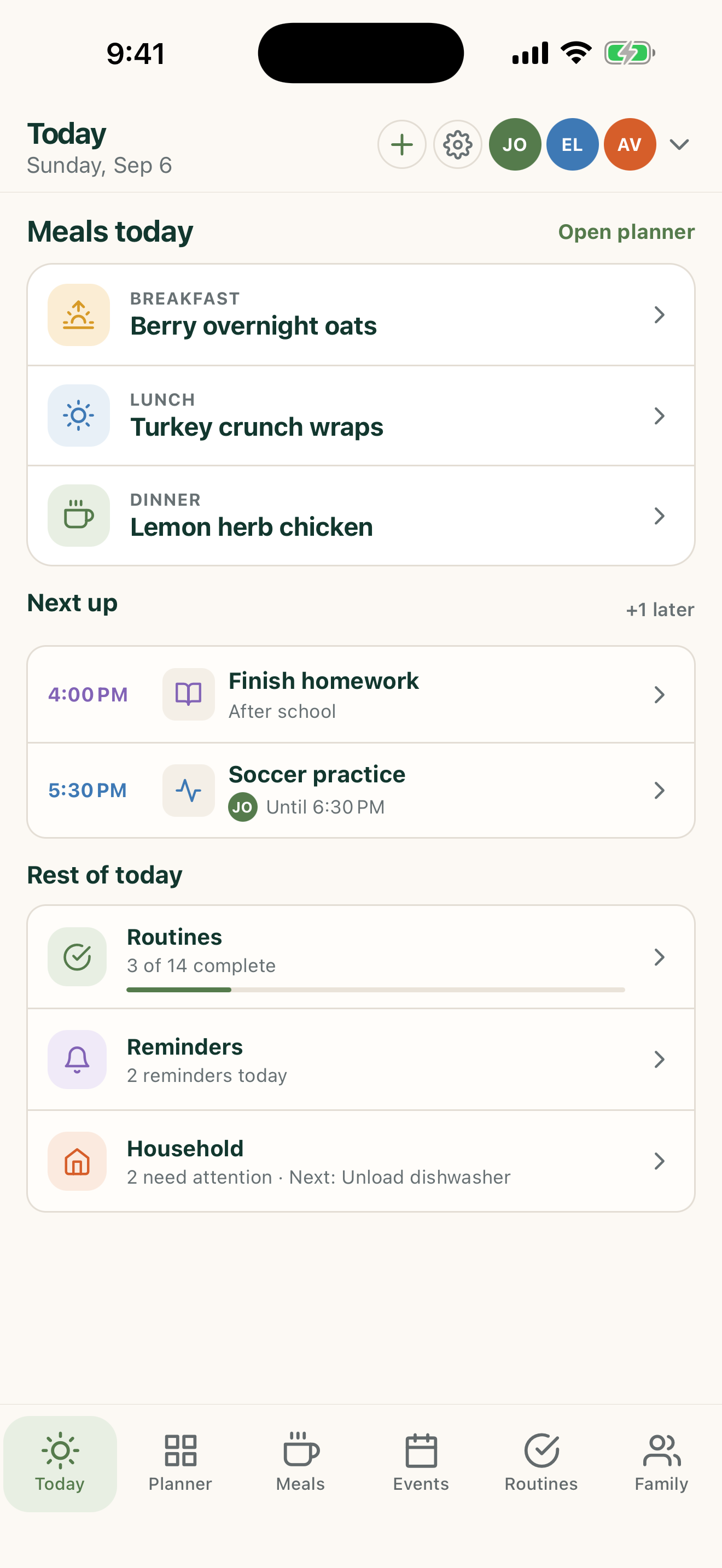
Use one shared Home so meal, event, and list changes do not have to be entered twice.
iPhone, iPad & AndroidFamilyWise Web
The short answer
FamilyWise keeps this job connected to the family plan.
Fewer duplicated tasks and fewer competing versions of the week. Use the surfaces listed above, review the current Home state, and make only the changes you intend.
How to do it
A clear three-step workflow
- 1
Connect both adults to the intended Home.
- 2
Agree on shared planning areas.
- 3
Use the current Home state instead of parallel notes.
Control and privacy
What stays under your control
Home access should match each person’s role and current need.
Published by 5Line Ventures LLC · Last reviewed August 31, 2026