FamilyWise practical guide
Keep local planning available offline
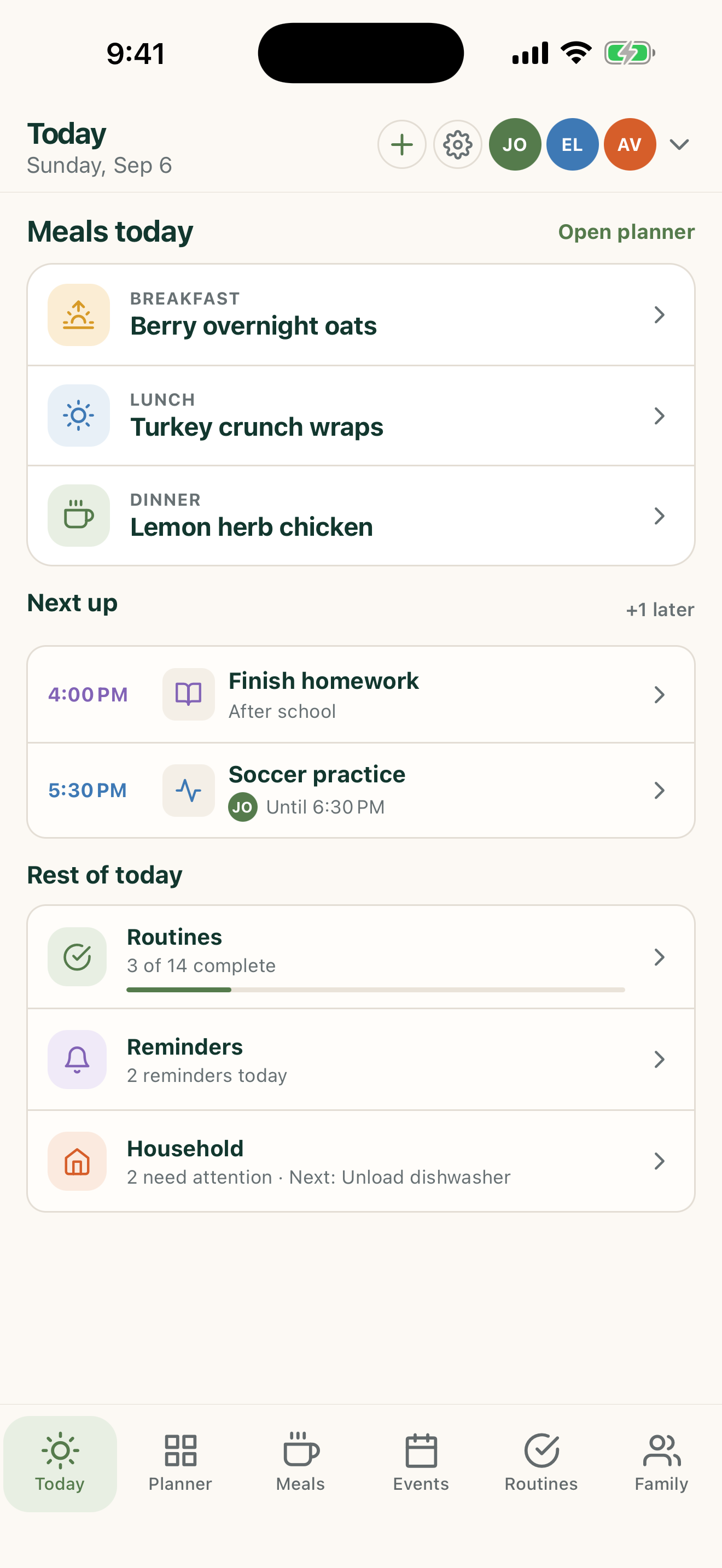
Use the mobile app’s local-first foundation when a connection is unavailable or sharing is not needed.
iPhone, iPad & Android
The short answer
FamilyWise keeps this job connected to the family plan.
A useful family planner that is not dependent on an AI conversation. Use the surfaces listed above, review the current Home state, and make only the changes you intend.
How to do it
A clear three-step workflow
- 1
Use FamilyWise on iPhone, iPad, or Android.
- 2
Keep planning locally.
- 3
Sign in or connect optional services only when you choose.
Control and privacy
What stays under your control
ChatGPT and shared web access are optional; connection-specific features require the appropriate account and Home.
Published by 5Line Ventures LLC · Last reviewed August 31, 2026