Family organizer & meal planner

Plan the family week around real life.

Bring meals, schedules, routines, reminders, recipes, grocery lists, and household tasks into one shared family Home—while keeping AI optional and supported changes under your control.

Available now for iPhone and iPad
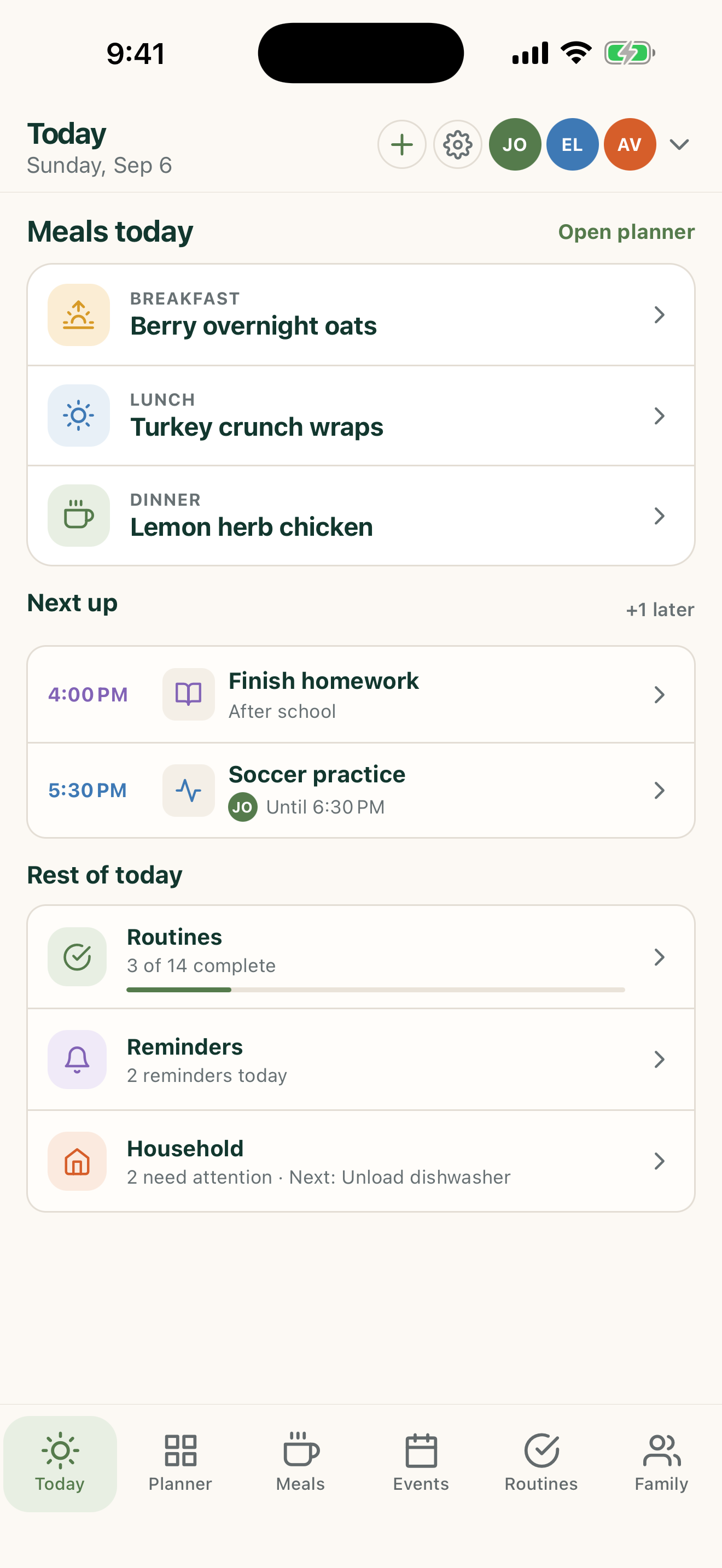
FamilyWise Today in light mode, showing the family timeline, dinner, routines, and navigation
FamilyWise Today in dark mode
2 things need youOne glance. No family group-text archaeology.
Local-firstKeep planning, even offline.
One shared HomeGive the right people the same plan.
AI stays optionalUse help only when you choose it.

Designed for the way a home actually moves

See the day. Share the load.

FamilyWise turns scattered details into a clear, visual rhythm—from the first school reminder to the last task before bed.

01

Today

The useful answer to “what's happening today?”

A color-coded timeline brings school, activities, dinner, and family routines together. The top status rail calls out what needs attention before the day gets away from you.

  • See who is involved at a glance
  • Move from event to meal to task without hunting
  • Follow progress without hovering over everyone

The FamilyWise Today timeline
Lemon herb chicken with roasted potatoes

Meals

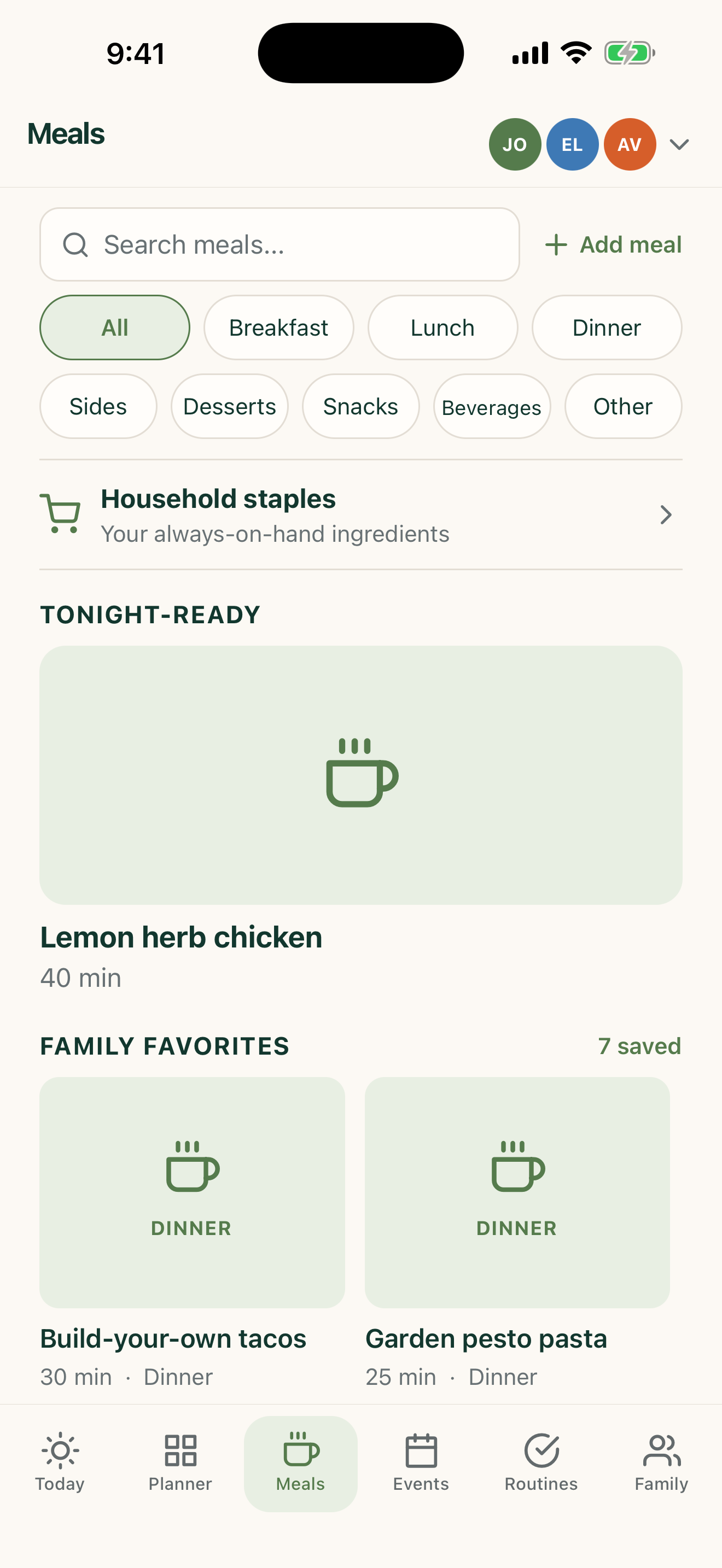
Plan dinner with enough detail to make it happen.

Save the meals your family actually eats, plan the week, track sides, and turn dinner into a shared decision instead of a daily emergency.

FamilyWise Meals screen

The whole Home, one visual language

Everything connects without feeling crowded.

The same clear hierarchy follows you through planning, meals, events, routines, and family details.

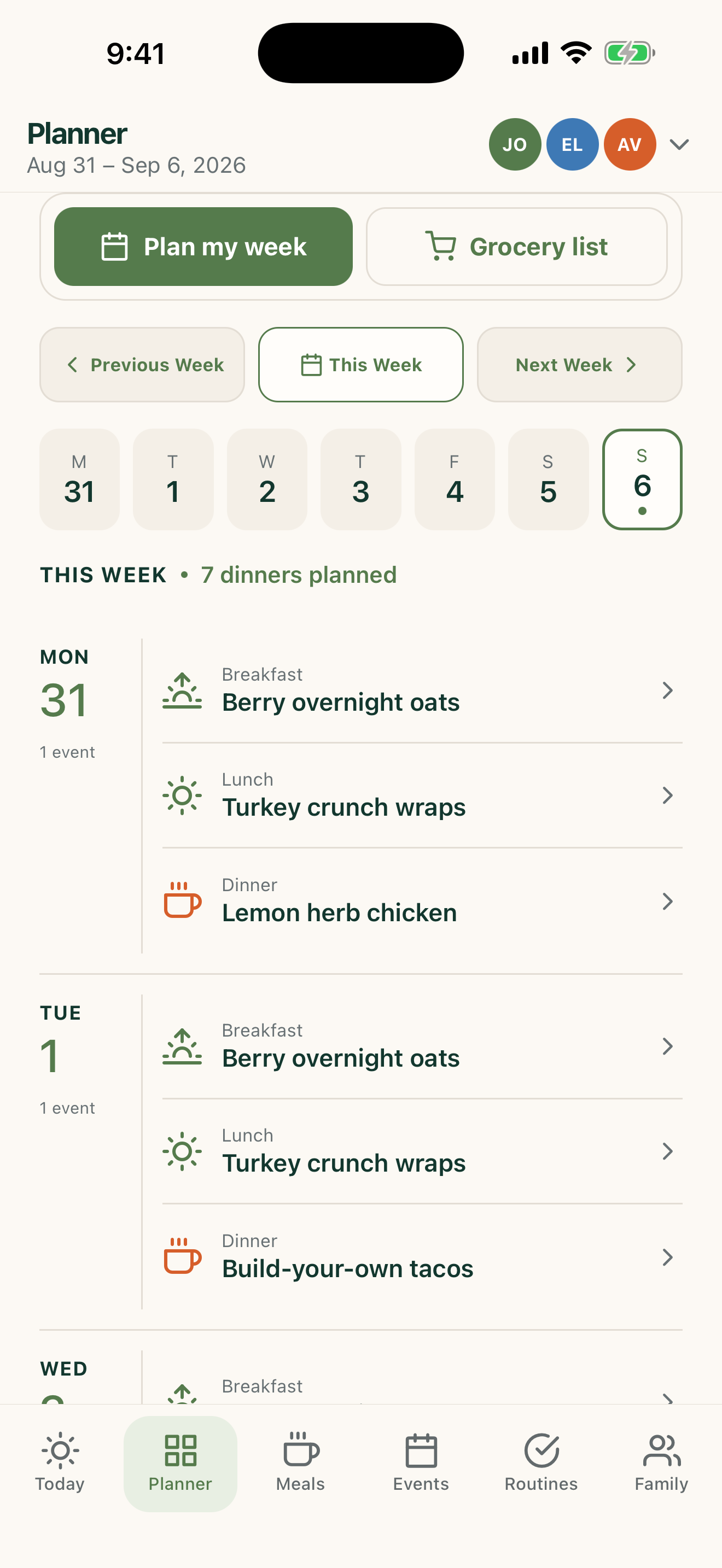
FamilyWise Planner screen
PlannerMeals and the week ahead
FamilyWise Meals screen
MealsThe family cookbook
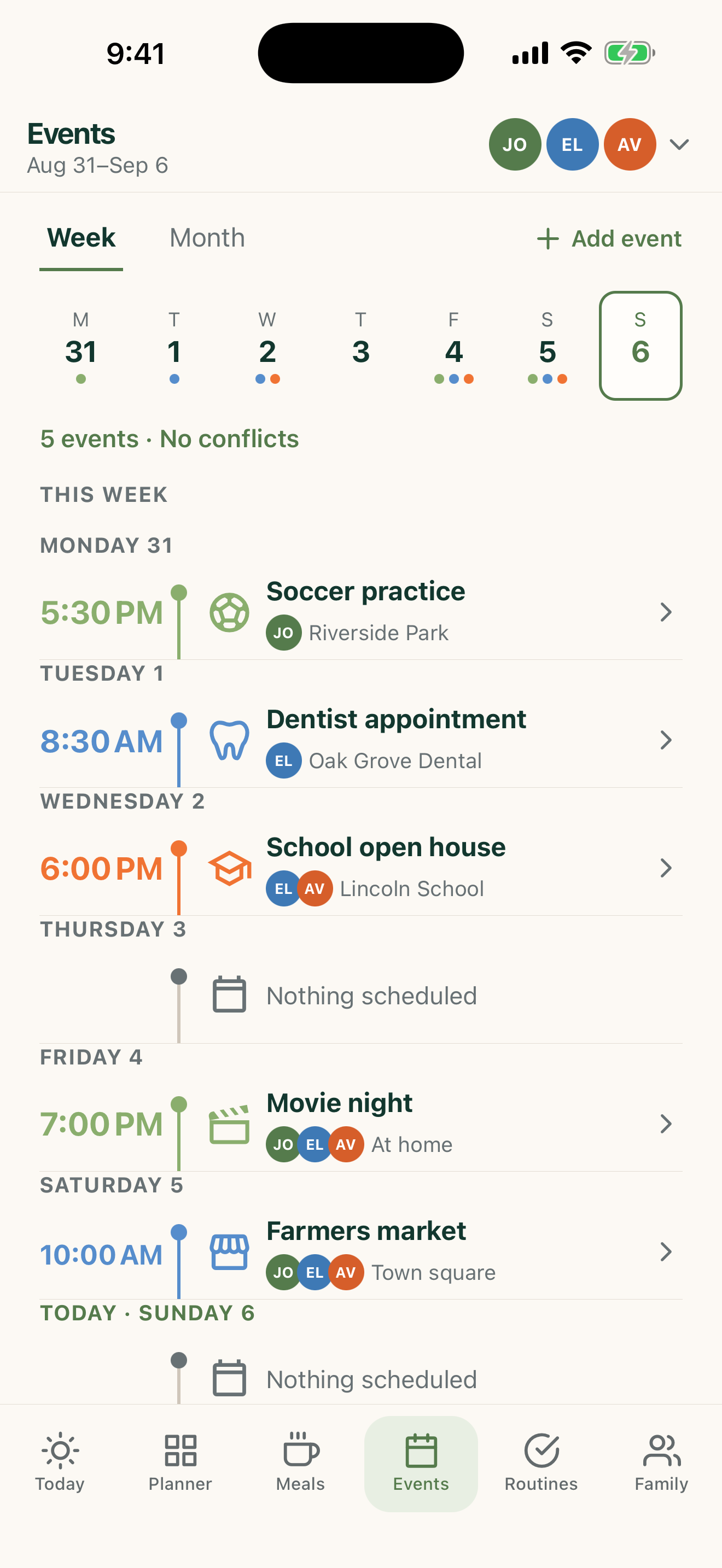
FamilyWise Events screen
EventsOne shared schedule
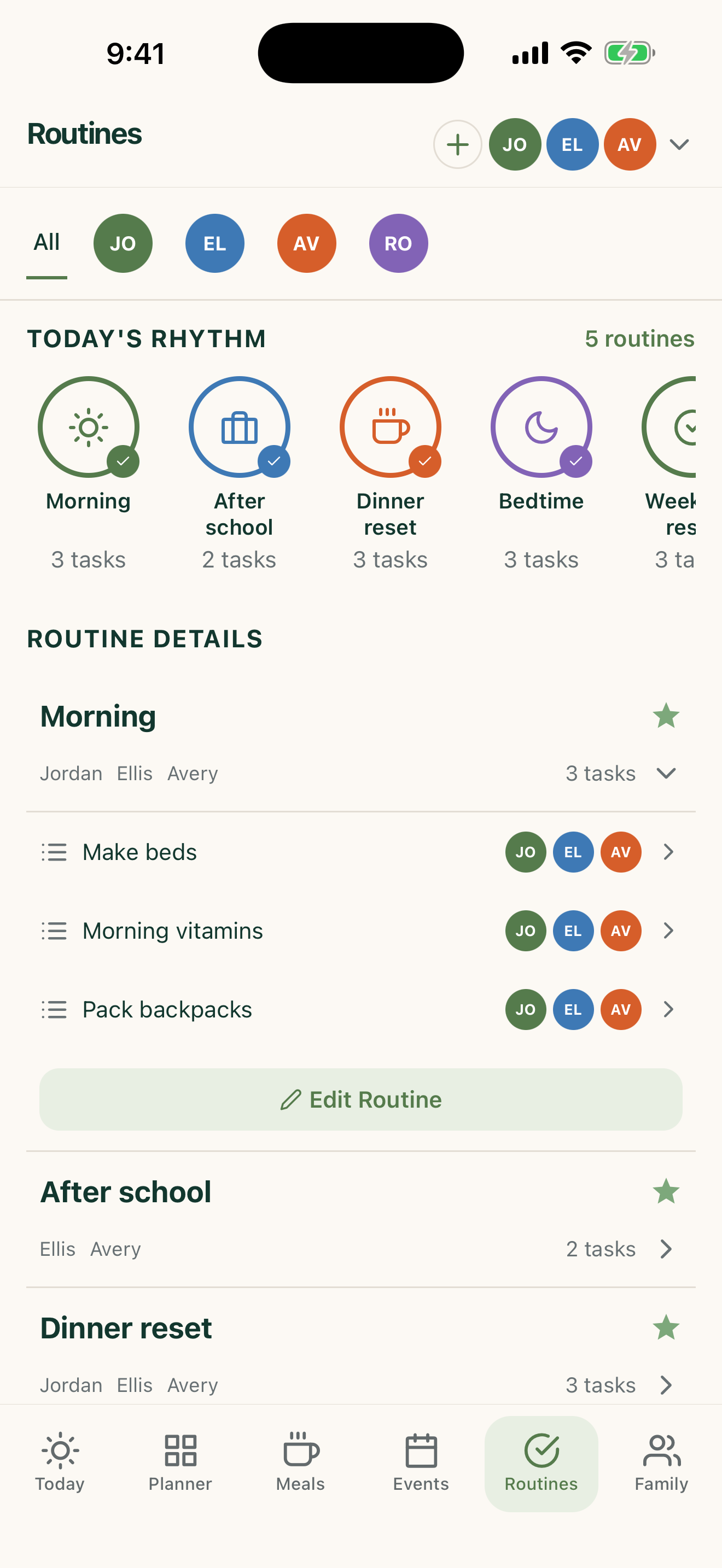
FamilyWise Routines screen
RoutinesProgress everyone can see
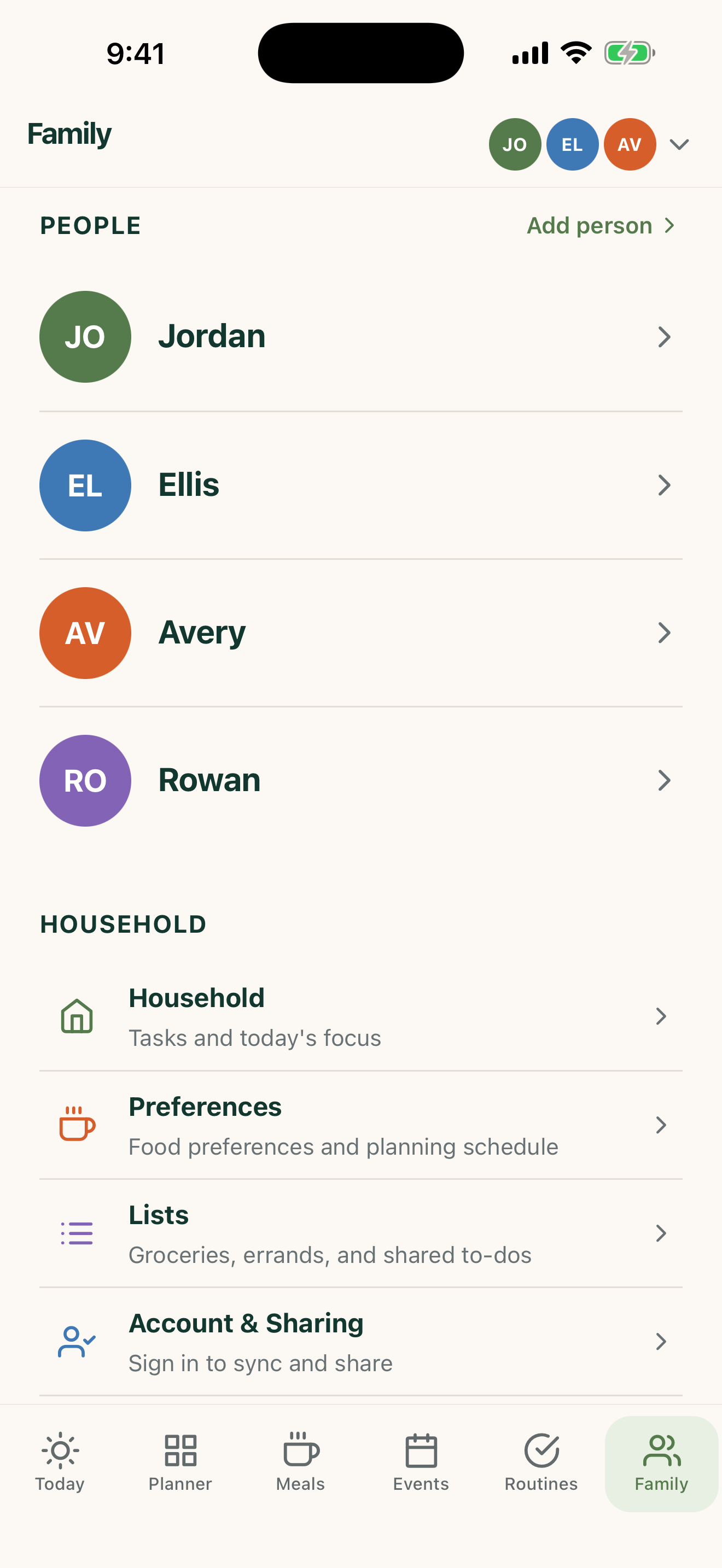
FamilyWise Family screen
FamilyPeople, Home, and preferences

Feels right at 7 AM and 11 PM

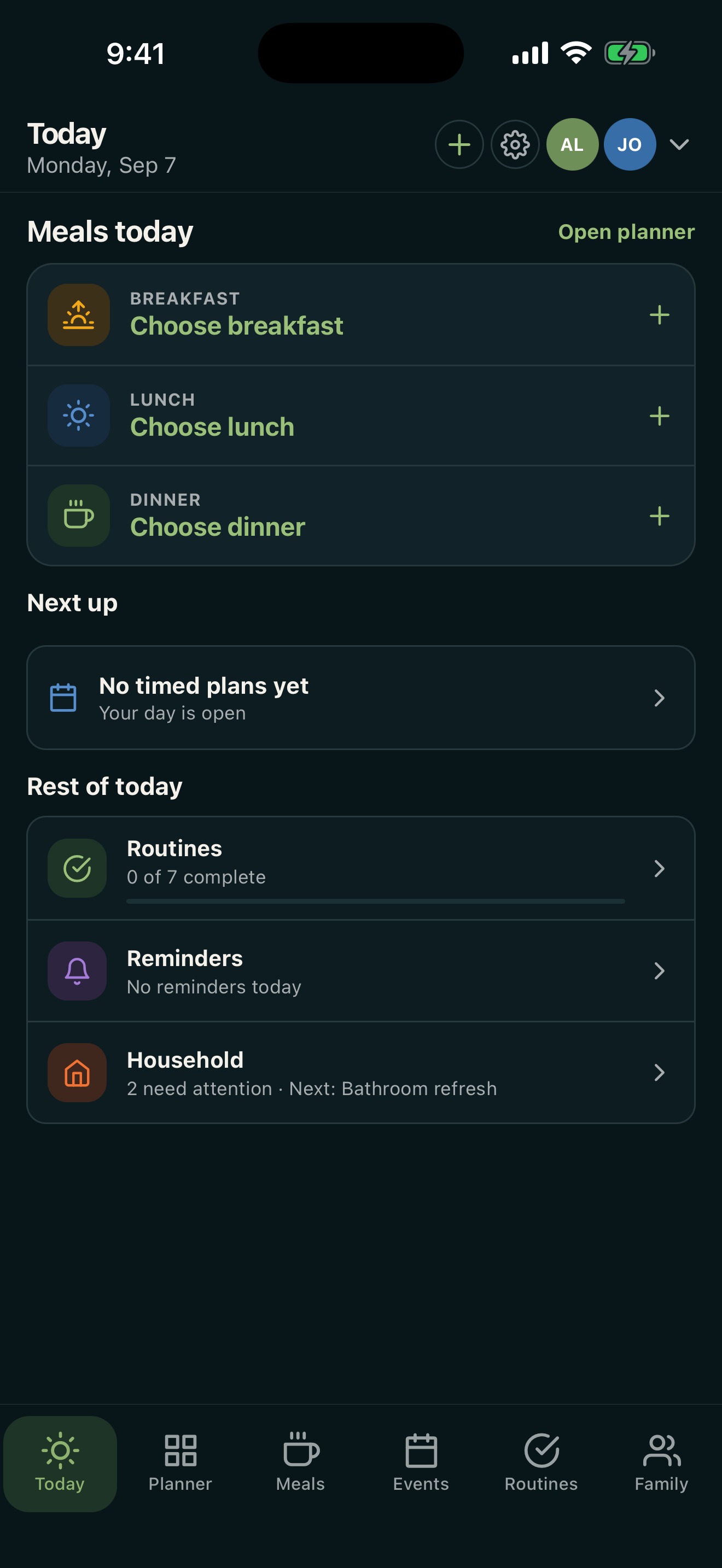
Light and dark, without becoming two different apps.

The palette changes with the room. The structure, family colors, and priorities stay familiar.

FamilyWise light mode
FamilyWise dark mode

Start with what helps today

A family system that grows with you.

  1. 1

    Set up your Home

    Add the people, meals, and routines that matter right now.

  2. 2

    Use it locally or share it

    The app works offline. Sign in when you want one shared Home across devices, on the web, or in ChatGPT.

  3. 3

    Connect it in ChatGPT

    Find FamilyWise HQ in ChatGPT's public Plugins Directory, connect your own 5Line Account, and confirm any supported change before it is made.

FamilyWise HQ in ChatGPT

Connect the Home you already use.

Find FamilyWise HQ in ChatGPT's public Plugins Directory and connect your own 5Line Account. A shared Home is required for the plugin, but not for local planning in the mobile app.

Your accountEvery request is checked against your current Home access.
Supported tools onlyNot every mobile feature is available through ChatGPT.
You confirm changesSensitive and under-13 personal data stay excluded.
Built for the jobs families repeat

One family organizer. Dozens of practical ways to use it.

FamilyWise is not a vague “AI family app.” It is a family organizer, meal planner, shared schedule, recipe library, grocery-list system, and routine hub—with an optional published ChatGPT connection.

Less remembering. More being together.

Bring your family week into focus.