FamilyWise practical guide
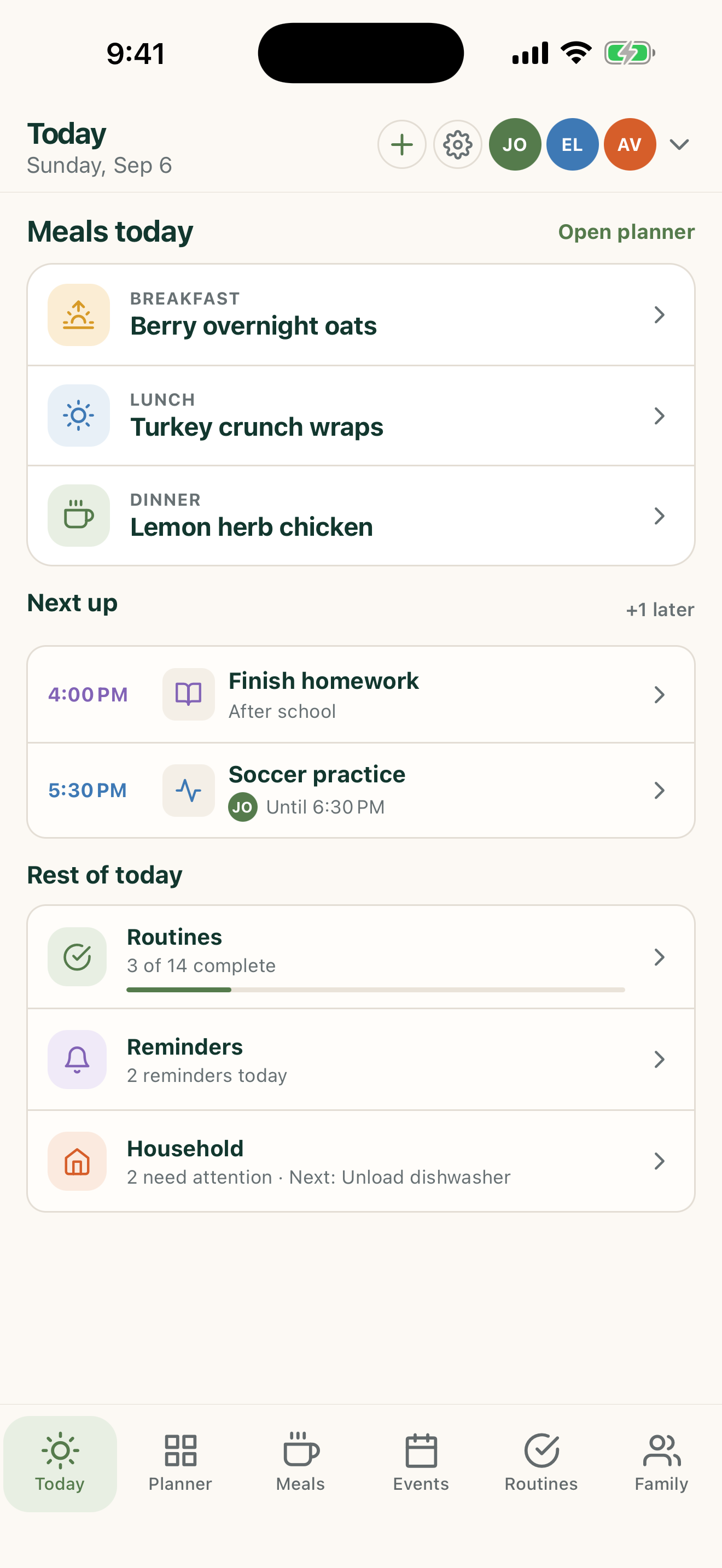
Create one shared family Home
Give invited adults one current place for family planning instead of separate versions in messages and notes.
iPhone, iPad & AndroidFamilyWise Web
The short answer
FamilyWise keeps this job connected to the family plan.
A clearer shared operating picture for the household. Use the surfaces listed above, review the current Home state, and make only the changes you intend.
How to do it
A clear three-step workflow
- 1
Create or connect the intended Home.
- 2
Invite only the people who need access.
- 3
Build the shared plan gradually.
Control and privacy
What stays under your control
Use the right Home roles and keep private or sensitive personal details out of broadly shared fields.
Published by 5Line Ventures LLC · Last reviewed August 31, 2026