FamilyWise practical guide
Review the meal plan without changing it
Use a read-only check when you need clarity, not another round of edits.
iPhone, iPad & AndroidFamilyWise WebChatGPT
The short answer
FamilyWise keeps this job connected to the family plan.
A clear meal-plan answer with no change to shared data. Use the surfaces listed above, review the current Home state, and make only the changes you intend.
How to do it
A clear three-step workflow
- 1
Choose the week.
- 2
Request a read-only summary.
- 3
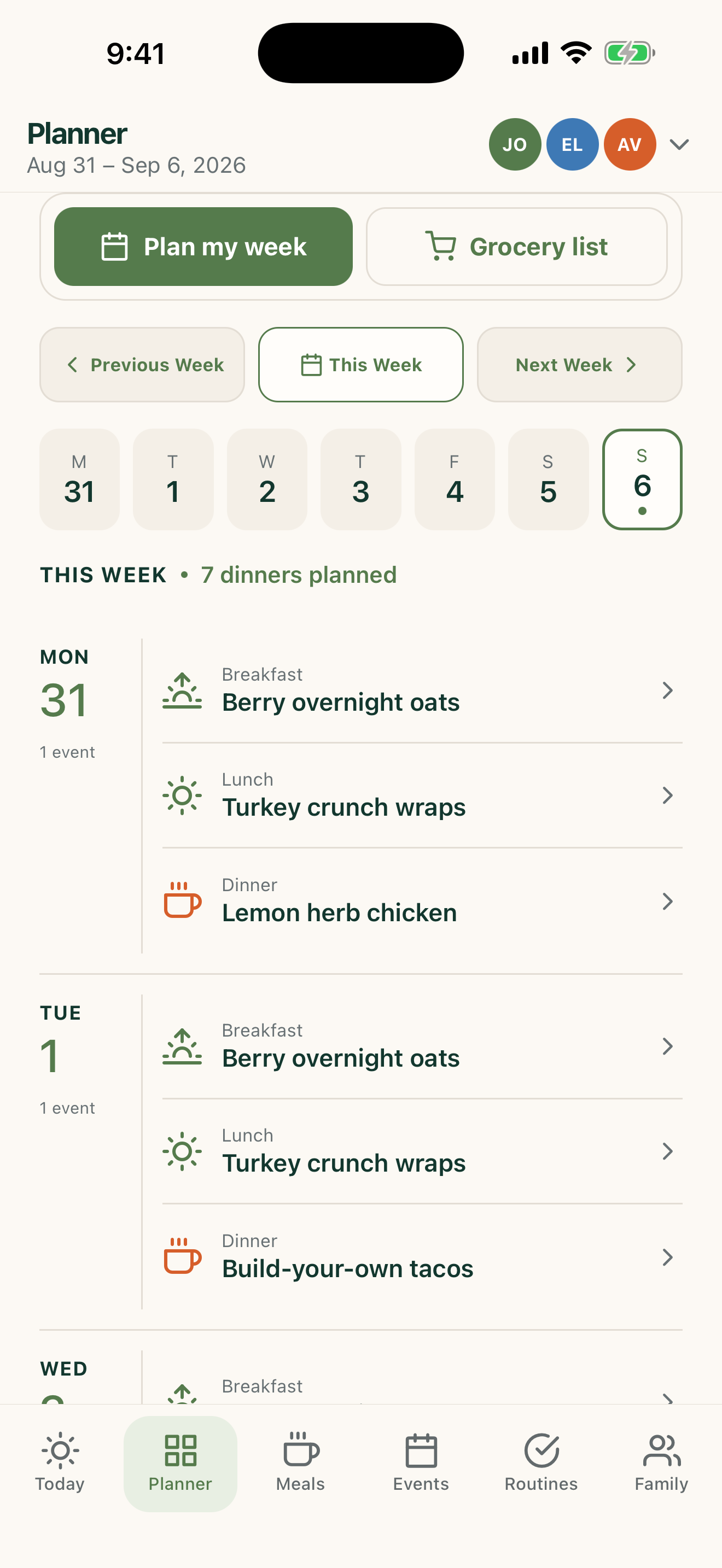
Open the visual planner if you need more detail.
Control and privacy
What stays under your control
State read-only intent clearly when you do not want changes.
Published by 5Line Ventures LLC · Last reviewed August 31, 2026