FamilyWise practical guide
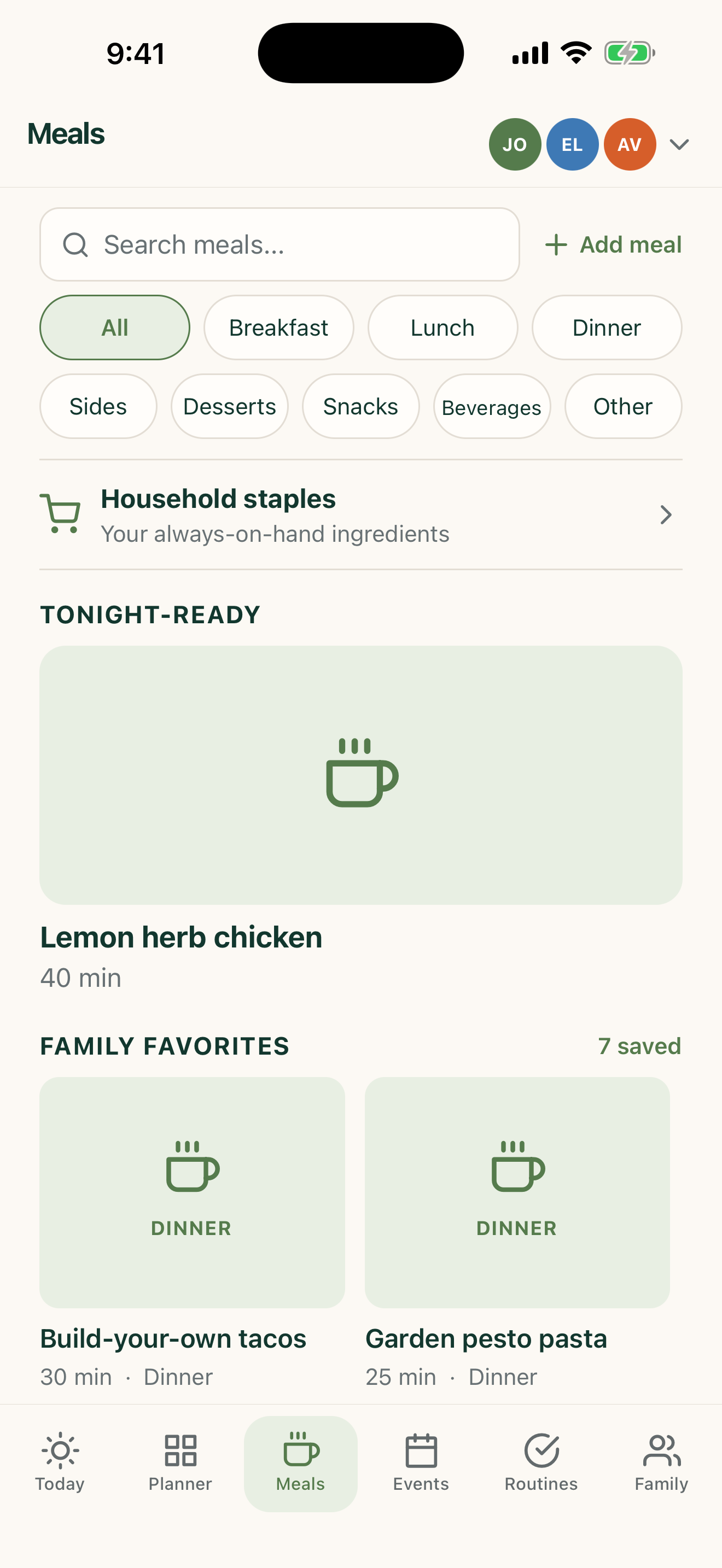
Organize sides, snacks, and desserts
Keep meal components in the right category so they appear where the planner expects them.
iPhone, iPad & AndroidFamilyWise Web
The short answer
FamilyWise keeps this job connected to the family plan.
A meal library whose categories match how the food is actually used. Use the surfaces listed above, review the current Home state, and make only the changes you intend.
How to do it
A clear three-step workflow
- 1
Choose the accurate meal category.
- 2
Add recipe details and useful tags.
- 3
Verify it appears in the correct filtered library.
Control and privacy
What stays under your control
Review category and recipe details before saving imported or AI-drafted content.
Published by 5Line Ventures LLC · Last reviewed August 31, 2026