FamilyWise practical guide
Coordinate meals around activities
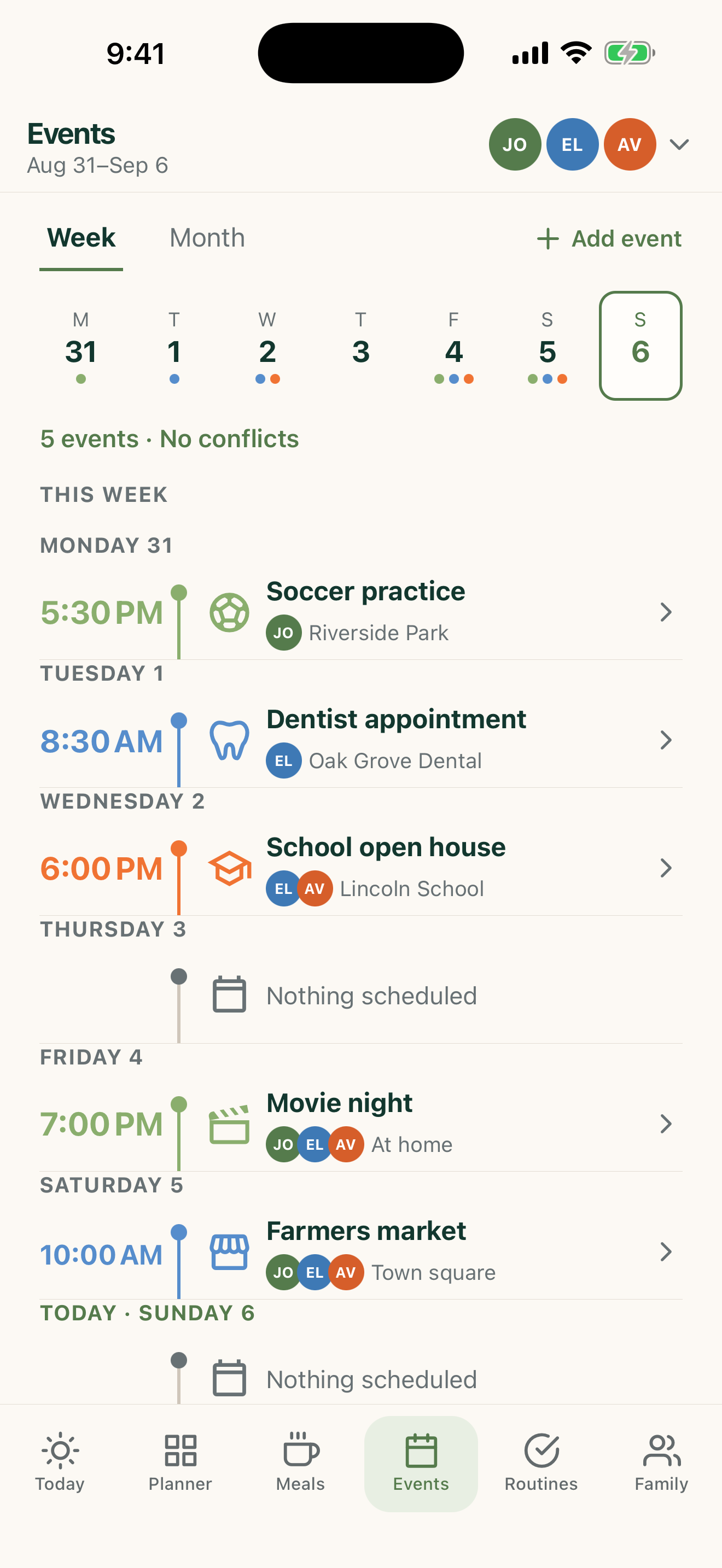
Use the shape of the FamilyWise week to avoid planning complicated dinners at impossible times.
iPhone, iPad & AndroidFamilyWise WebChatGPT
The short answer
FamilyWise keeps this job connected to the family plan.
A schedule and meal plan that agree with each other. Use the surfaces listed above, review the current Home state, and make only the changes you intend.
How to do it
A clear three-step workflow
- 1
Review events and meals together.
- 2
Identify conflicts.
- 3
Choose and confirm any meal-plan adjustments.
Control and privacy
What stays under your control
FamilyWise keeps the shared Home and its permissions in control. Review the result and confirm supported changes before they are made.
Published by 5Line Ventures LLC · Last reviewed August 31, 2026